
ChatGPT
13000+ workspaces hired Viktor
Not a tool. A hire.
Viktor is the AI coworker that connects to 3,000+ tools and does the work. Reports, dashboards, code, campaigns.
$100 in Free Credits
No Credit Card Required
SOC2 Compliant
Built by engineers from:
Backed by:
Real output, not just text.
Viktor doesn't brainstorm. It ships. PDFs your board can read. Dashboards your team actually uses. Web apps you'd think a developer built.

One message, all your tools.
Stripe, Meta Ads, Notion, GitHub. Viktor queries them all in a single run. No tab-switching, no CSV exports.

Never repeat yourself.
Every conversation makes Viktor smarter about your business. It remembers what worked, what didn't, and how you like things done.

The Shift
You've tried the AI tools.The work is still there.
ChatGPT. Claude. Zapier. Notion AI. You're already using AI. You're also still doing the work.
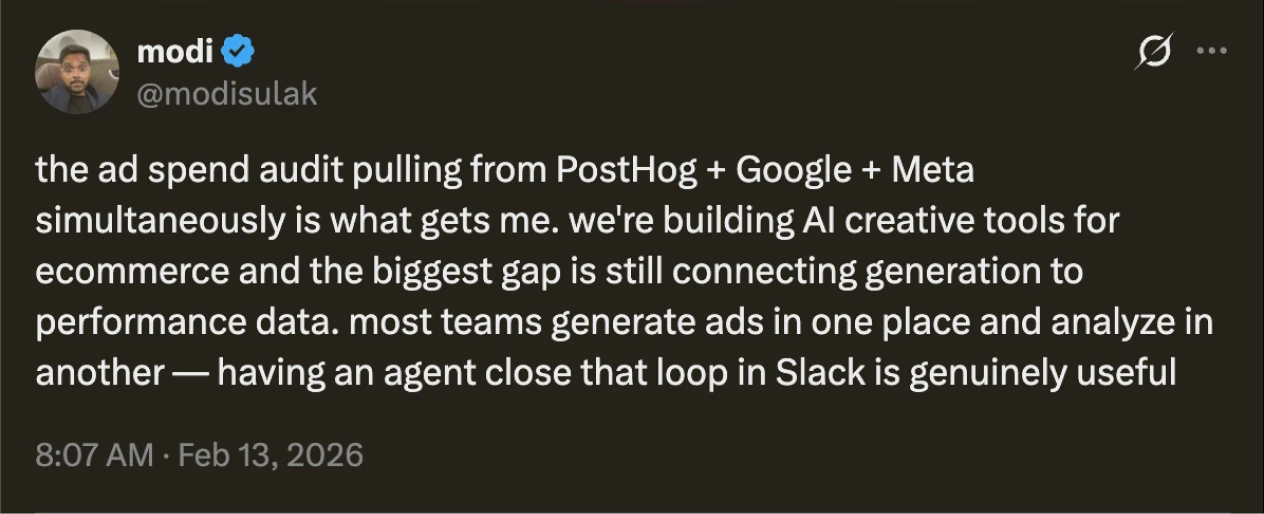
Ad Spend Audit

Viktor
Audits it. Hands you the PDF.
Meeting Follow-ups
Copilot
Summarizes your meetings.
Viktor
Creates the tasks, sends the follow-ups, updates the CRM.
Workflow Automation
Zapier
Follows rules you write
Viktor
Figures out what needs automating and does it.
Building Tools
Claude Code
Writes the code. You figure out the rest.
Viktor
Builds it, ships it, sends you the link






The Solution
Just@Viktor.It's handled.

How It Works
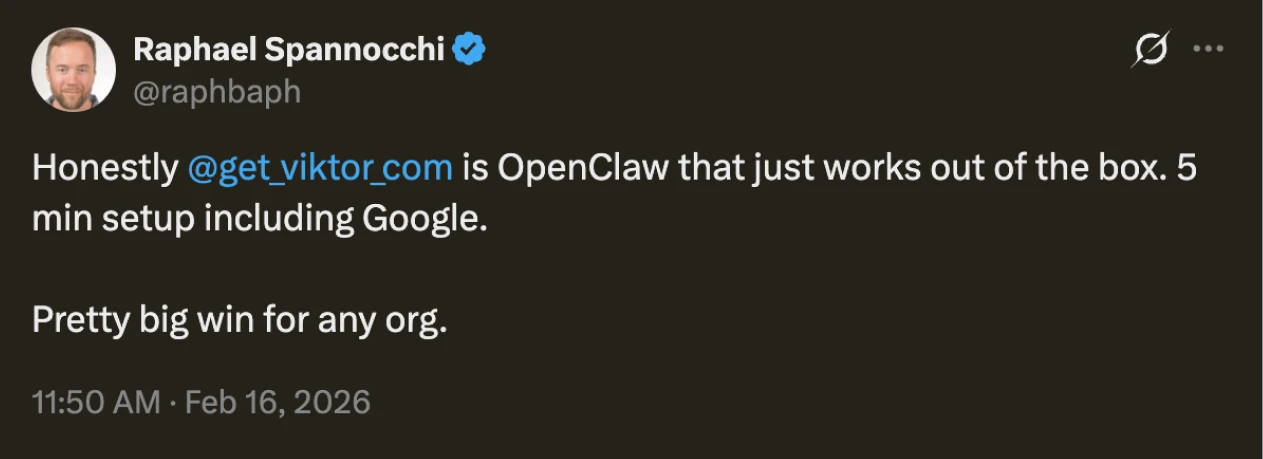
Onboarding new hires has never been this easy.
/01
Connect
Install Viktor from the Slack App Directory or Microsoft Teams. Connect your tools: Stripe, Notion, Google Ads, whatever you use. Takes 2 minutes.
/02
Ask
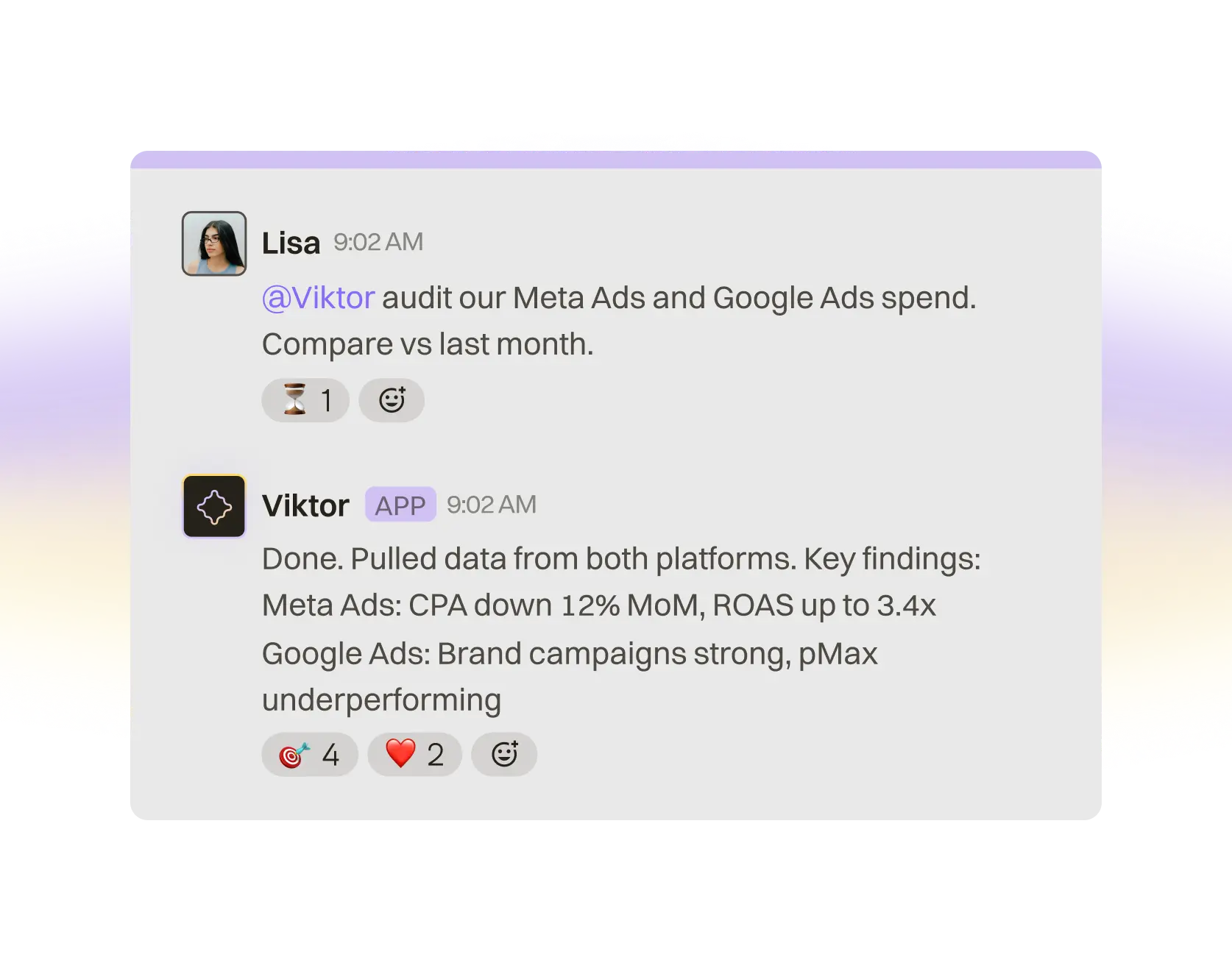
Talk to Viktor like a colleague. "Pull our Meta Ads data and compare vs. last month." "Create a Linear issue for the pricing update." "Build me a revenue dashboard."
/03
Viktor delivers
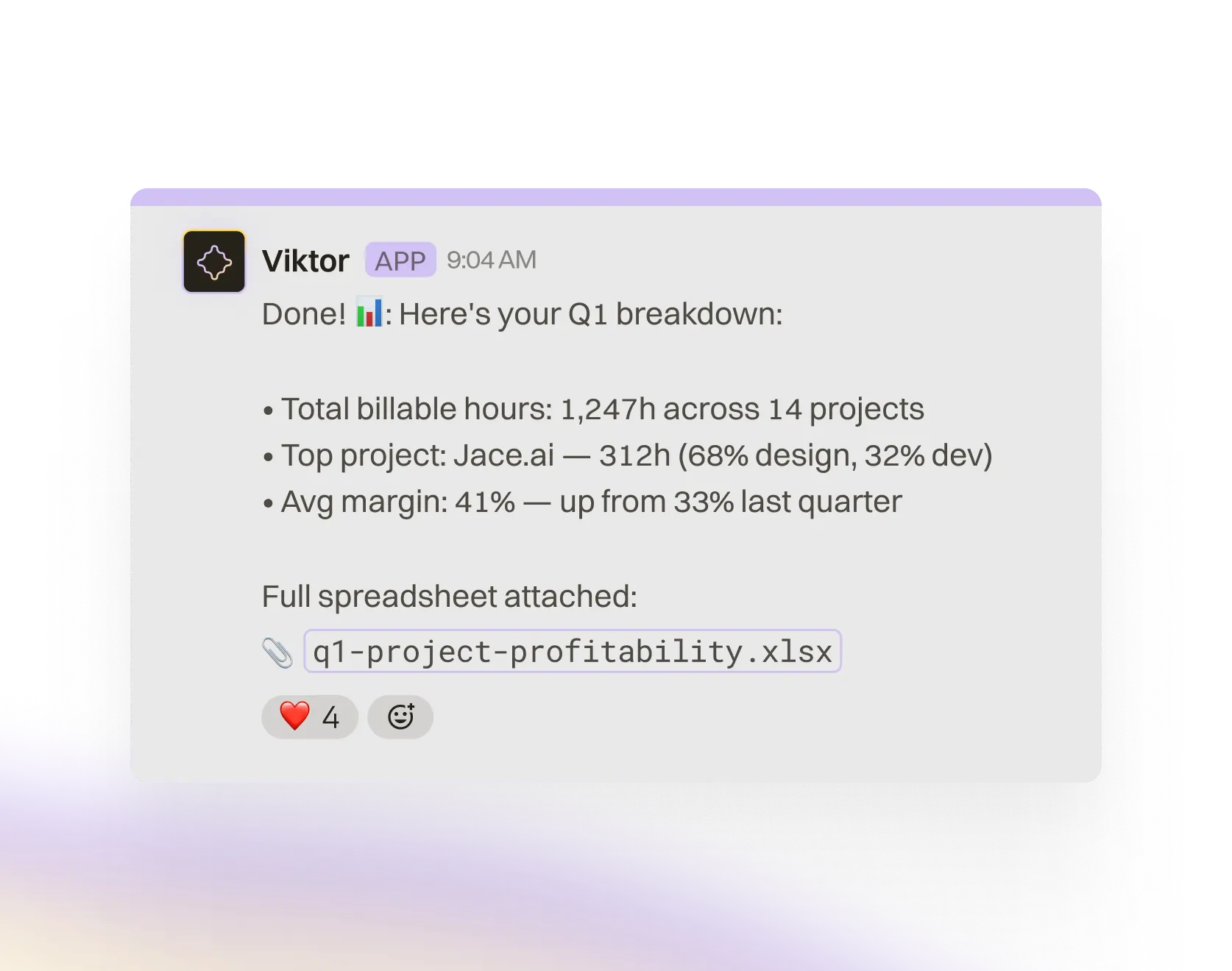
Viktor queries your tools, analyzes data, and delivers real outputs: PDFs, spreadsheets, web apps, code. It also schedules recurring tasks and proposes automations you didn't think to ask for.
One AI coworker that does the analyst work, the marketing work, and the ops work you keep putting off.
Live business pulse
Pulls MRR, churn, CAC, ad spend, and pipeline from Stripe, PostHog, Google Ads, Meta Ads, and your CRM. Delivered to Slack every morning — no dashboard login needed.
Investor updates on autopilot
Assembles revenue, burn rate, pipeline, and headcount into a polished board deck or investor email. Monthly. You just hit send.
Outbound that runs itself
Builds ICP lead lists from Apollo, enriches contacts, launches email sequences via Instantly, and reports what's converting. Repeats weekly.
Internal tools in minutes
Builds revenue dashboards, client portals, and approval workflows as deployed web apps with database and auth. No engineering tickets. No sprint planning.
Use cases
What Viktor can own for your team
Founders & CEOs
One AI coworker that does the analyst work, the marketing work, and the ops work you keep putting off.
Live business pulse
Pulls MRR, churn, CAC, ad spend, and pipeline from Stripe, PostHog, Google Ads, Meta Ads, and your CRM. Delivered to Slack every morning — no dashboard login needed.
Investor updates on autopilot
Assembles revenue, burn rate, pipeline, and headcount into a polished board deck or investor email. Monthly. You just hit send.
Outbound that runs itself
Builds ICP lead lists from Apollo, enriches contacts, launches email sequences via Instantly, and reports what's converting. Repeats weekly.
Internal tools in minutes
Builds revenue dashboards, client portals, and approval workflows as deployed web apps with database and auth. No engineering tickets. No sprint planning.
Marketing & Growth
Viktor manages your ad accounts, writes your content, builds your pipeline, and reports on all of it. Every day.
Full-funnel ad intelligence
Pulls spend, CAC, CTR, and ROAS across Meta Ads and Google Ads. Flags underperformers, recommends budget shifts, and drafts new ad copy based on what's winning.
Content engine
Writes SEO blog posts, launch copy, email campaigns, ad scripts, and social drafts. Publishes directly to your CMS or GitHub. Repeats on any schedule.
Pipeline builder
Sources ICP-matched leads from Apollo, enriches with firmographic data, pushes to HubSpot or Attio, and activates outbound sequences through Instantly. Hands-free.
Stakeholder reporting
Builds performance reports with charts, narrative, and clear next actions as polished PDFs — not raw spreadsheet exports. Weekly or on-demand.
Engineering
Viktor writes code, opens PRs, triages bugs, and builds internal tools. Your engineers only work on what matters.
Intelligent bug triage
Monitors support channels, groups duplicate reports, cross-references the codebase, and opens scoped tickets in Linear or Jira with reproduction steps and context.
Code contributions
Clones your repo, writes fixes on a feature branch, opens pull requests with full context, and drafts release notes. Real commits, real PRs, shipped.
Full-stack internal tools
Builds and deploys dashboards, admin panels, and ops tools as web apps with database, auth, and hosting. Zero backlog added to the core team.
Incident + error response
Queries error tracking and logs, summarizes root cause, assigns owners, creates the postmortem checklist, and follows up until every action item closes.
Operations & Finance
Viktor eliminates the spreadsheet wrangling, vendor chasing, and report building that eats your ops team alive.
Board pack assembly
Pulls from Stripe, your CRM, Google Sheets, and headcount tools. Delivers a polished investor update with revenue, burn, pipeline, and KPIs — every month, zero manual assembly.
Document + invoice processing
Reads invoices and contracts as PDFs, matches line items against agreements, flags anomalies, and queues everything for review. Handles the paperwork.
Forecast + model refresh
Updates operating models with live data from your tools, highlights where actuals diverge from plan, and surfaces the variances that actually matter.
Cross-team automation
Tracks missing inputs, nudges owners in Slack, syncs data between tools on schedule, and closes reporting loops — without you being the bottleneck.












FAQ
Viktor is an AI coworker that lives in Slack. It has its own computer in the cloud where it writes and runs code to complete tasks. It's not a chatbot — it's a colleague that does real work.
Most AI tools generate text. Viktor executes. It has a persistent workspace, connects to your actual tools, and performs actions — sending emails, updating CRMs, building apps, generating reports. You don't copy-paste outputs. Viktor does the work end-to-end.
Automate recurring workflows. Pull data from multiple tools. Build and deploy web apps. Create and edit documents. Browse the web. Research competitors. Generate reports. Anything you can describe, Viktor can probably code and execute.
Over 3,000 — including Salesforce, HubSpot, Linear, Notion, Jira, Stripe, GitHub, Google Drive, Slack, and more. If your tool isn't supported, Viktor can build a custom integration.